Image editing
10 Best Free AI Image Editing Tools Online (No Software Required)
From one-click cleanup to full layered editors: ten free AI image tools that run in the browser, and how to pick the right one for the job.
By The Erazely TeamPublished 4 min read
You no longer need to install software to edit images well. Browser tools now cover most jobs, from removing an object to designing a whole social post. The catch is that “AI image editor” means very different things from one tool to the next.
This guide groups ten free tools by what they’re actually for. If your job is cleanup (removing objects, text, logos or watermarks from your own images), Erazely’s free tools are the quickest place to start.
The short answer
- Cleanup: Erazely, Cleanup.pictures, Clipdrop.
- Design: Canva and Adobe Express.
- Full editing: Photopea and Pixlr, or Photoshop if you pay.
- Product photos: Photoroom.
Quick comparison
| Tool | Type | Strongest at | Free version |
|---|---|---|---|
| Erazely | Cleanup | Removing objects, text, logos, watermarks | Free, no account |
| Photopea | Full editor | Layers, PSDs, manual retouching | Free with ads |
| Canva | Design | Social posts and templates | Free plan; Magic tools Pro |
| Adobe Express | Design | Quick designs with generative AI | Limited generations |
| Pixlr | Full editor | Layered editing plus AI tools | Free with ads |
| Fotor | All-in-one | Filters, retouching, templates | Limited credits |
| Clipdrop | AI suite | Cleanup, upscaling, backgrounds | Daily caps |
| Cleanup.pictures | Cleanup | Fast object erasing | 720px exports |
| Photoroom | Product | Backgrounds for product shots | Export limits |
| Photoshop | Pro editor | Everything, with most control | Trial only |
The 10 best free AI image editing tools
01Erazely
Open the toolSix free cleanup tools in one simple editor.
Erazely does one job well: taking unwanted things out of your images. It has separate tools for watermarks, objects, text, logos, small blemishes and PDF watermarks. Small repairs run in your browser; larger selections are rebuilt on Erazely’s server and deleted automatically.
Relevant features
- Automatic detection of watermarks, logos and text
- Brush, box and click-to-select
- Before/after compare and “Try again”
- PNG, JPG or WEBP export
Limitations
- Cleanup only: no filters, text, backgrounds or generative fill
- One image at a time
- What’s free
- All tools are free with no account and no watermark.
- Best for
- Removing things from images, quickly and for free.
02Photopea
photopea.com (opens in a new tab)The closest free thing to Photoshop.
A layered editor that opens PSD files and has the familiar healing, cloning and selection tools. Photopea says it doesn’t upload your files.
Relevant features
- Layers, masks and PSD support
- Healing and clone tools
- Raster and vector editing
Limitations
- Ads
- Takes time to learn
- What’s free
- Free with ads; Premium removes them.
- Best for
- Detailed editing without paying for Photoshop.
03Canva
canva.com (opens in a new tab)Design first, with AI photo tools on top.
Canva is a design platform with a big template library. Its AI photo tools, like Magic Eraser and Magic Edit, are listed as Pro on Canva’s own pages.
Relevant features
- Templates for every format
- Magic Eraser and Magic Edit (Pro)
- Team sharing
Limitations
- Pro for AI photo edits
- Account needed
- What’s free
- A free plan for design; most Magic photo tools need Pro.
- Best for
- Social posts, presentations and marketing graphics.
04Adobe Express
adobe.com (opens in a new tab)Adobe’s free design app with Firefly AI.
Templates, quick actions and generative tools like Remove object, backed by Adobe’s generative AI.
Relevant features
- Remove object and background removal
- Templates and brand tools
- Generate images from text
Limitations
- Generative features are rationed
- Premium for more
- What’s free
- A free plan with limited generative credits and storage.
- Best for
- Fast designs with a bit of generative AI.
05Pixlr
pixlr.com (opens in a new tab)A free layered editor with AI tools built in.
Pixlr runs in the browser and mixes classic editing with AI tools such as the image eraser and background removal.
Relevant features
- Layers and adjustments
- AI eraser and Heal tool
- Many export formats
Limitations
- Ads
- AI credits for some features
- What’s free
- Free with ads.
- Best for
- Everyday editing in the browser.
06Fotor
fotor.com (opens in a new tab)Filters, retouching and templates in one place.
Fotor covers basic edits, portrait retouching and AI tools. The free Basic plan has limited AI credits and normal-quality exports.
Relevant features
- Filters and retouching
- AI object remover
- Templates and collages
Limitations
- HD exports are paid
- Login to download AI results
- What’s free
- Free Basic plan with limited credits.
- Best for
- Casual edits and quick enhancements.
07Clipdrop
clipdrop.co (opens in a new tab)A toolbox of single-purpose AI tools.
Cleanup, background removal, text removal, upscaling and more, each as its own tool.
Relevant features
- Cleanup and Text Remover
- Background removal
- Upscaler
Limitations
- Daily caps
- High resolution is Pro
- What’s free
- Free with daily caps.
- Best for
- One-off AI fixes.
08Cleanup.pictures
cleanup.pictures (opens in a new tab)The simplest object eraser.
Paint and erase, nothing else. That simplicity is the appeal.
Relevant features
- One-step erasing
Limitations
- Small free exports
- No other editing
- What’s free
- Free, with 720px exports.
- Best for
- Very quick fixes for the web.
09Photoroom
photoroom.com (opens in a new tab)AI editing for product photos.
Background removal, AI backgrounds and Retouch, aimed at sellers.
Relevant features
- Background removal
- AI backgrounds
- Retouch
Limitations
- Export caps
- Product-focused
- What’s free
- Free plan with weekly and monthly export limits.
- Best for
- E-commerce listings.
10Adobe Photoshop
adobe.com (opens in a new tab)The professional benchmark.
Generative Fill, Remove tool and full manual control, on desktop, web and mobile. Adobe offers a free trial, then a subscription.
Relevant features
- Generative Fill and Remove tool
- Layers, masks, RAW
- Desktop, web and mobile apps
Limitations
- Paid after the trial
- Learning curve
- What’s free
- A 7-day free trial.
- Best for
- Professional work.
Erazely examples
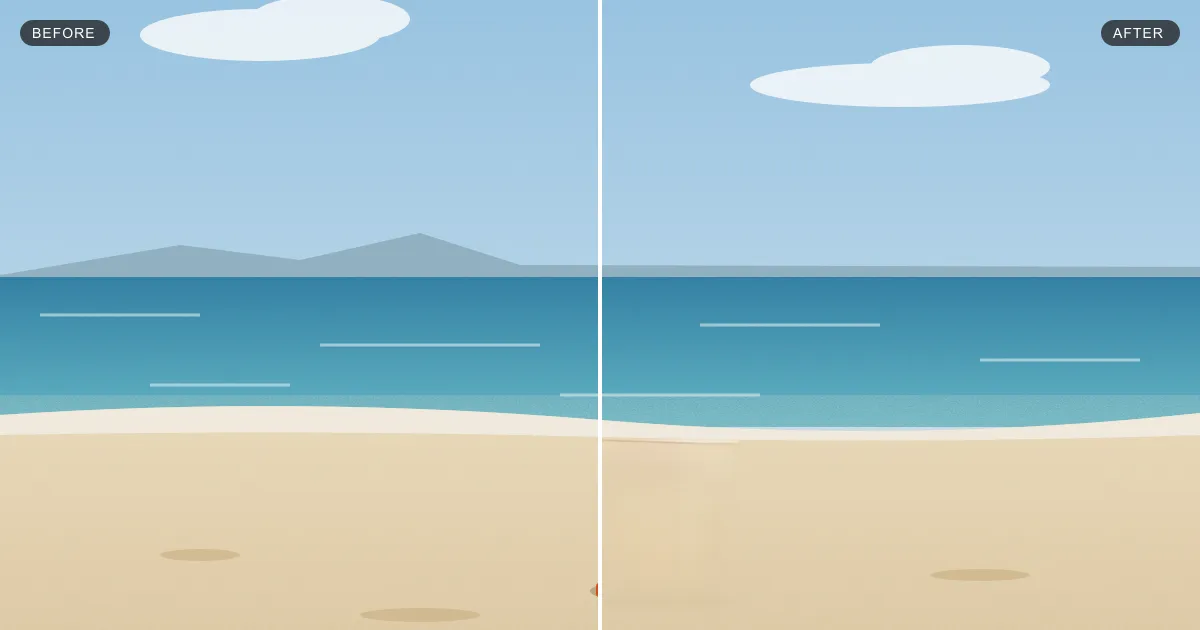
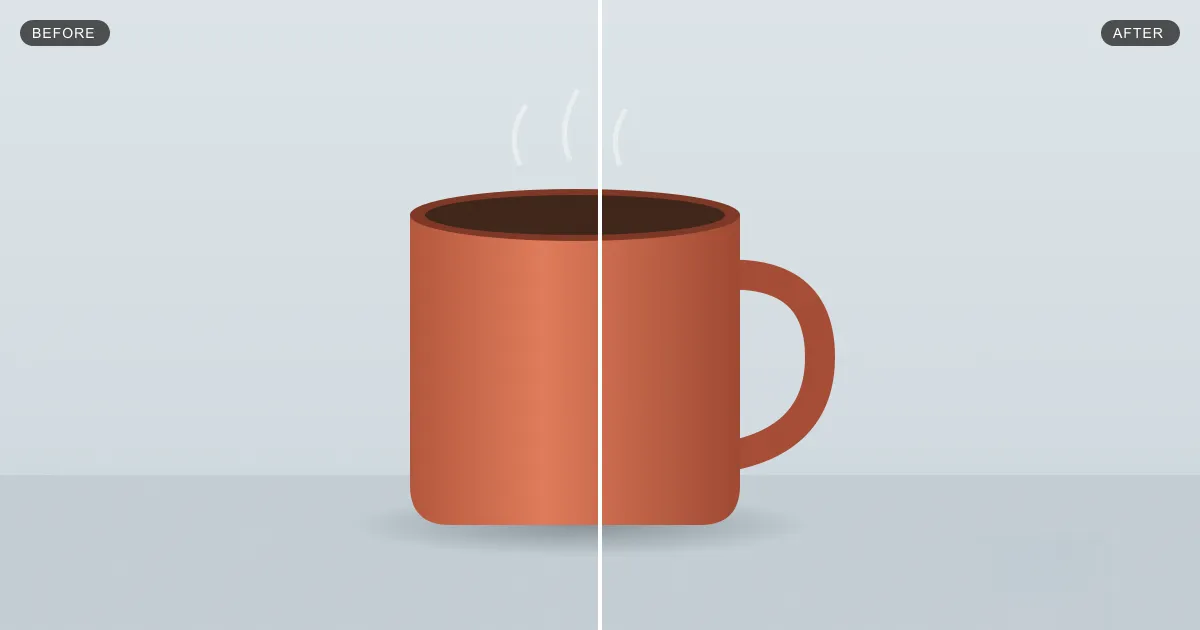
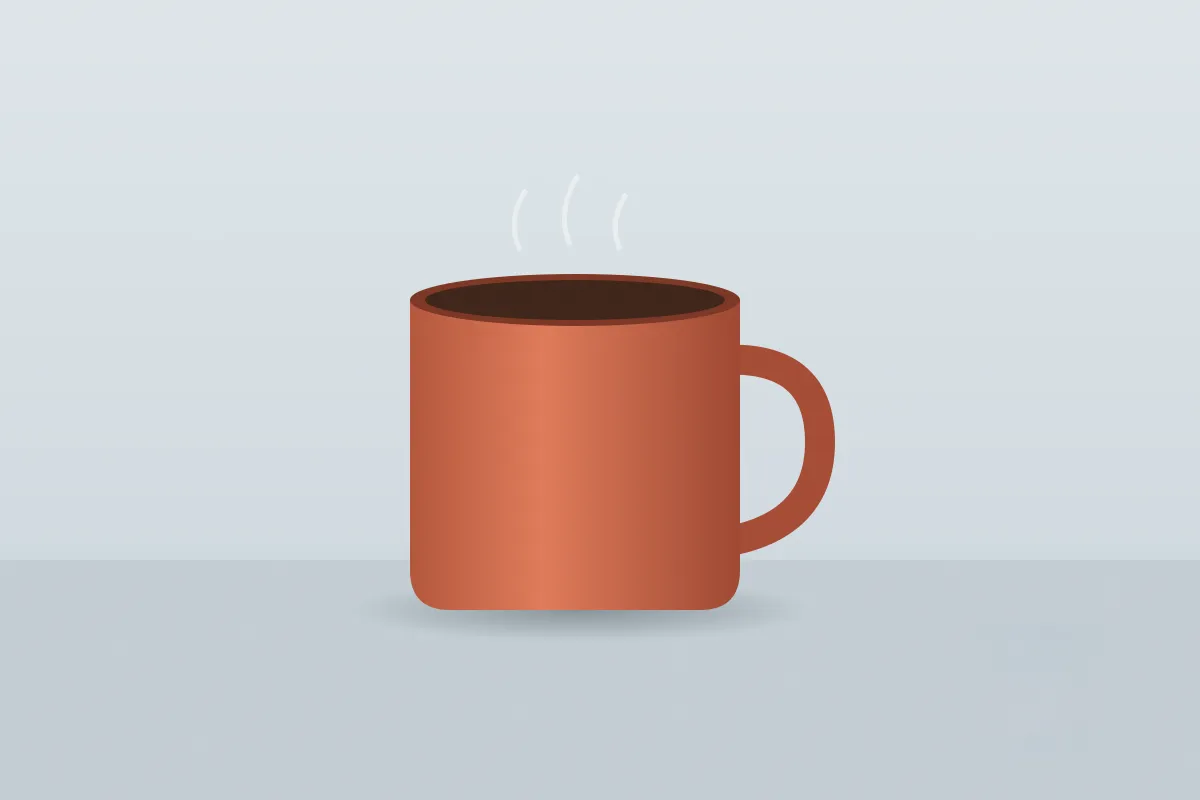
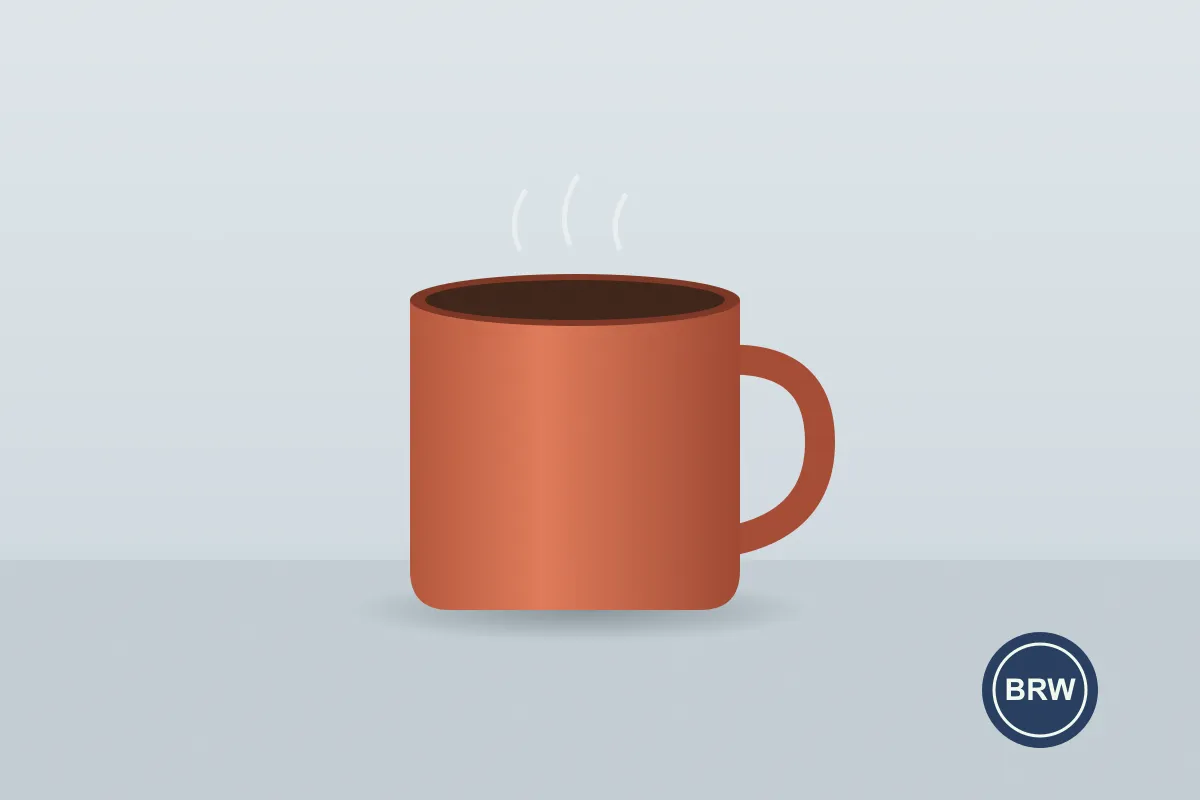
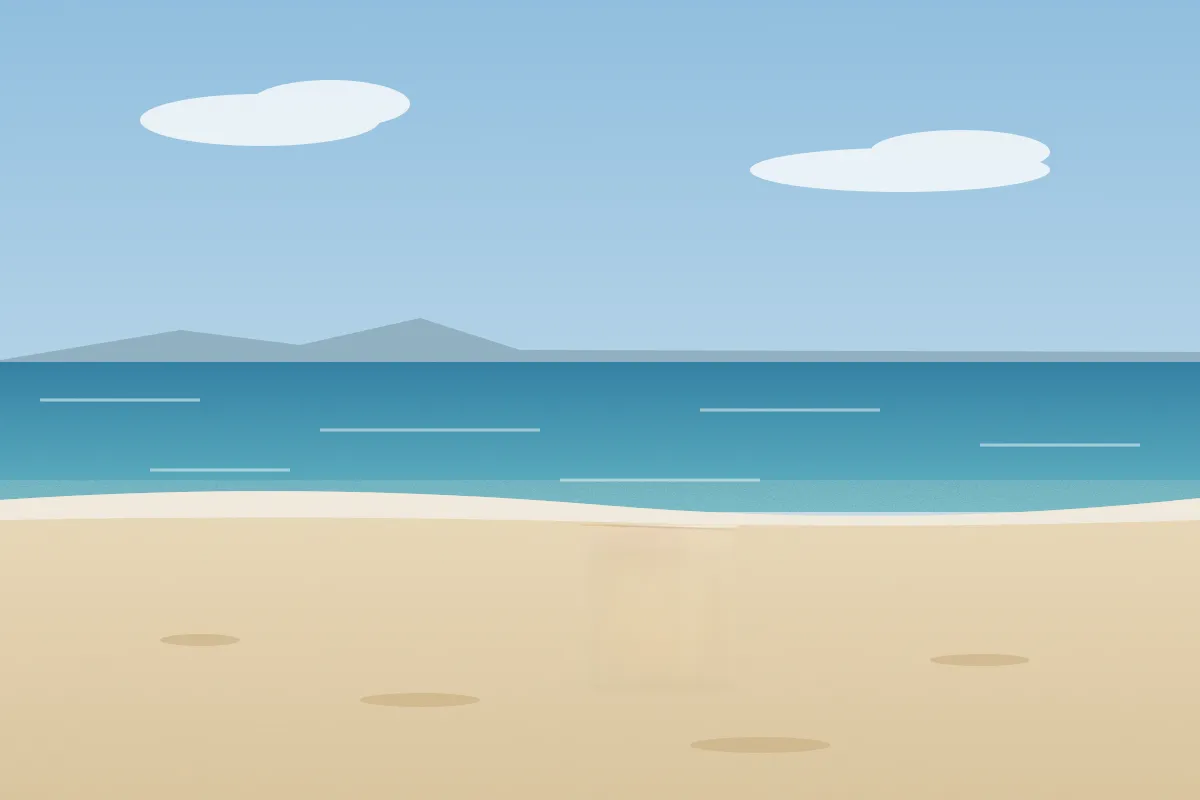
Two real runs on test scenes we created: a logo removed from a product shot, and an object removed from a beach.

Clean up an image now
Free, no account, nothing to install.
How to choose
- Removing something: use a cleanup tool. See object removers, text removers or watermark removers.
- Making a graphic: Canva or Adobe Express.
- Detailed edits: Photopea for free, Photoshop if you need the full toolset.
- Fixing many small marks: see photo cleanup tools.
How we wrote this. Erazely is our product, which is why it’s listed first. We describe every tool by what its own website says it does, and checked prices, free-tier limits and account rules on. Plans change often, so confirm on the official site before you pay. Erazely isn’t affiliated with or endorsed by the other companies named here. See sources.